Is it normal for an AC to restart after a power cut?
Many ACs can resume the previous mode after power returns, while others remain off; the behaviour depends on the model and auto-restart setting. A protective compressor delay is normal. Concern is warranted when the AC repeatedly reboots, displays errors, trips, clicks without starting or receives unstable supply. Avoid rapid manual switching and have voltage, wiring, protection and control memory checked when the pattern is abnormal.
Let the protective delay finish before intervening
Auto-restart is a designed convenience on many models, not proof of a fault. The unit may remember temperature and fan settings but still wait before operating the compressor.
After supply returns, avoid repeatedly using the breaker or remote. Watch the display and allow the model's normal restart sequence. If Villupuram supply fluctuates or the AC reboots several times, isolate it until stable power and the dedicated circuit can be assessed.
Villupuram homes and businesses can face strong seasonal heat, roadside dust and variable operating schedules. Filter loading, outdoor airflow and electrical conditions should be checked with the reported symptom.
What to check before approving work
Start with safe, observable conditions and move to model-specific technical tests only when the evidence requires them.
Model behaviour
Check the manual for auto-restart, memory and compressor delay behaviour.
Supply stability
Notice flickering, repeated outages or low-voltage indication affecting the AC and other loads.
Error and trip
Preserve any code; do not keep resetting a breaker or external protector.
Professional checks for AC Power-Cut Restart Guidance
Circuit inspection
Check dedicated breaker, isolator, cable, terminals and earthing for the equipment rating.
Voltage behaviour
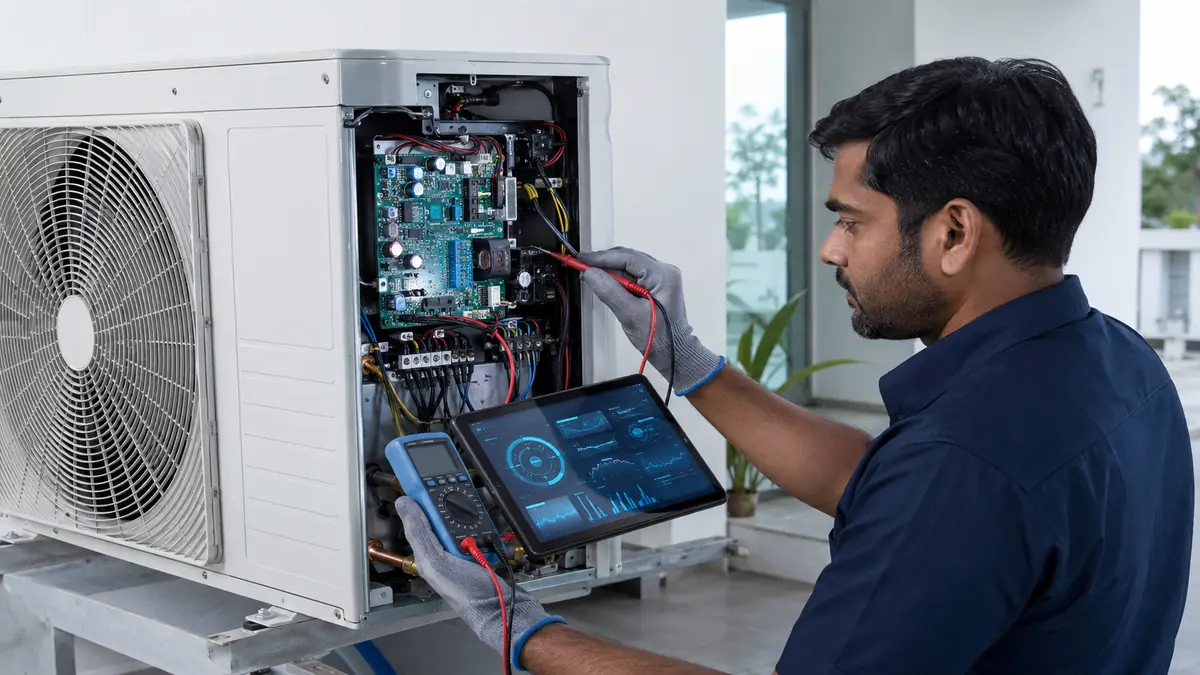
Measure supply during restart and operation with suitable instruments.
Control memory
Confirm settings, indoor-outdoor communication and board restart sequence.
Compressor protection
Verify delay, current and stable operation after supply returns.
Power-return behaviour: normal or a warning?
One symptom can have several causes. Use the pattern, timing and accompanying signs to narrow the next test instead of replacing parts from a guess.
The table is a decision aid, not a substitute for model-specific procedures, safe instruments or manufacturer service information.
| Observation | Possible area | Next check |
|---|---|---|
| Restarts after short delay | Normal auto-restart may apply | Confirm model setting |
| Display reboots repeatedly | Unstable supply or control issue | Measure supply and inspect connections |
| Indoor starts, outdoor delayed | Compressor protection delay | Wait per manual; observe code |
| Breaker trips on return | Electrical or compressor fault | Leave off and diagnose |
Switch the system off when there is burning smell, smoke, repeated breaker tripping, water near wiring or unsafe access. Do not bypass a protection device.
How should the result be verified?
The final test should reproduce the original operating condition as closely as practical and show whether the reported problem is resolved.
Record the work completed, relevant readings, parts used and any remaining limitation so a future visit starts with evidence rather than assumptions.
- The AC follows the documented restart sequence.
- Supply stays stable during startup.
- No repeated reboot or error occurs.
- Compressor starts after the intended delay.
- Settings and cooling operation are retained correctly.
From first observation to verified handover
- 1
Wait for stable supply
Do not rush to restart during repeated outages or flicker.
- 2
Observe the sequence
Record display, delay, indoor fan and outdoor start.
- 3
Check documentation
Confirm auto-restart and memory behaviour for the exact model.
- 4
Test abnormal events
A technician measures supply, protection, controls and compressor start.
- 5
Verify recovery
Confirm one stable restart and normal cooling.
Share useful details before the visit
Send the model, AC type, location, symptom timing, settings, error code and a short video where useful. Mention recent cleaning, shifting, electrical work, refrigerant work or power events.
Ask for an itemised scope that separates inspection, cleaning, labour, parts, refrigerant and follow-up tests. Keep the service report for warranty and repeat-fault history.
Ask what is included, what is excluded, which findings support additional work and how the final result will be tested.
Common mistakes to avoid
- Rapidly toggling the breaker after power returns.
- Assuming every delayed compressor start is a fault.
- Using an underrated extension lead or improvised connection.
- Approving work without asking how the final result will be tested and recorded.
Frequently asked questions
Why does my AC switch on automatically after a power cut?
Its auto-restart or memory function may restore the previous settings. Behaviour varies by model and can sometimes be changed in settings.
Why does the outdoor unit wait after power returns?
A compressor protection delay helps avoid rapid restart. Use the manual for the model's expected sequence.
Can repeated power cuts damage an inverter AC?
Unstable or abnormal supply can stress electronics and motors. Correct circuit protection and model requirements should be reviewed by qualified personnel.
Do I need a stabilizer after power-cut problems?
Not automatically. First measure the actual supply range and check the AC's specified operating and protection requirements.
When should I leave the AC off?
Leave it off after repeated rebooting, tripping, burning smell, error codes or unstable supply until the cause is checked.
Talk to Turbo Cooling Solutions
Share your location, AC type and requirement for a clear service response.